Features
Thrixel Agent: AI 3D Modeling in Conversation
Describe changes to a 3D model in plain language. Thrixel Agent selects the tools to edit shapes, refine individual parts, add detail and textures, and reduce mesh complexity inside the Thrixel workspace.
Edit 3D Models with Natural Language
Thrixel Agent brings model editing, detailing, texturing, and mesh simplification into a conversational workflow. Requests can describe the intended result, from changing a prop's proportions to preparing a detailed model for a game scene.
This is useful during asset iteration, when the next step depends on how the model looks. Follow-up instructions can refine its shape, surface, or complexity as the design develops.
Refine Individual Parts
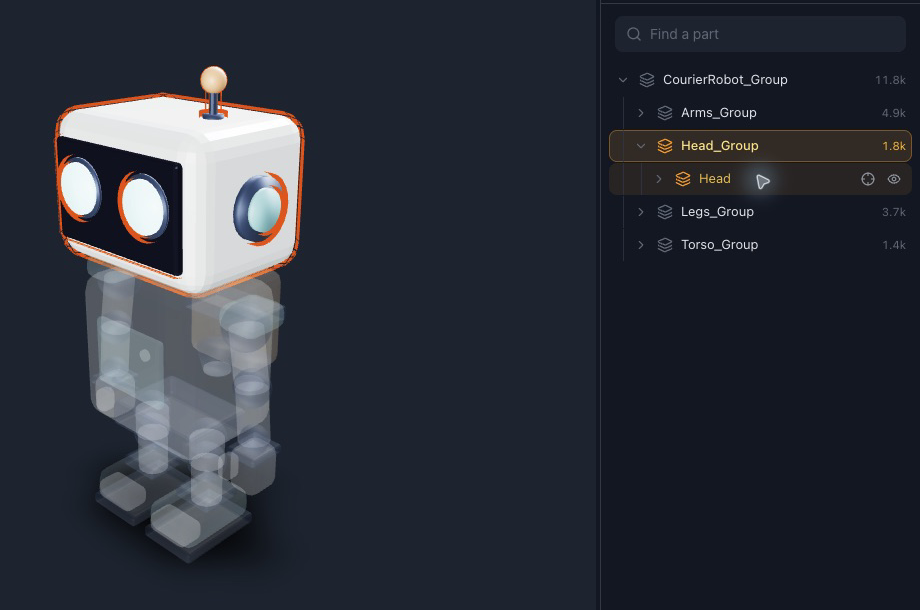
Architect models contain named components such as heads, arms, and legs. These give requests a specific target. With part-scoped editing, a robot's head can be resized while its body stays intact.
Coordinate Shape, Detail, and Texture
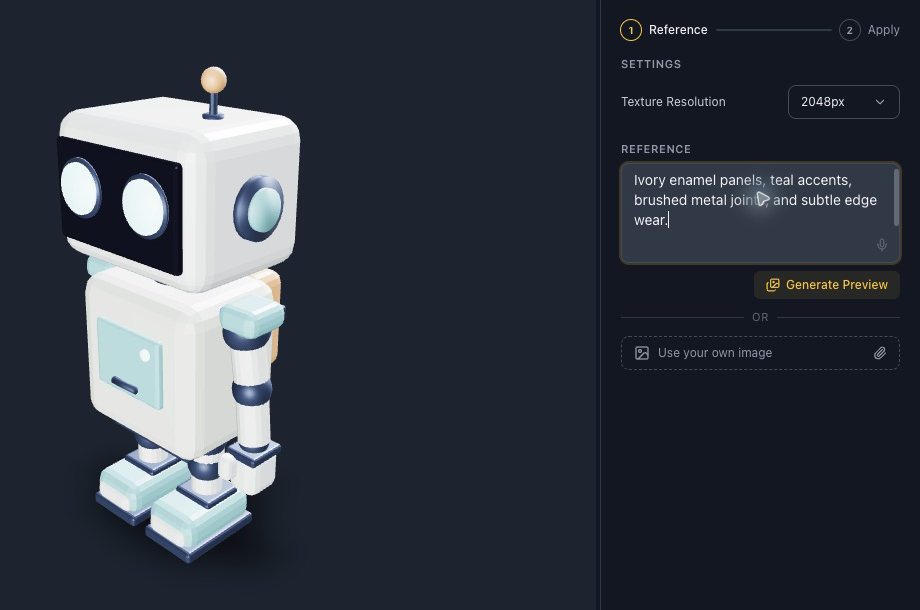
The requested result guides tool selection. Detailer adds surface detail; Texturer changes appearance. Geometry changes and texture changes serve different purposes. Inspect the result before choosing the next refinement.
Simplify Models for Game Projects
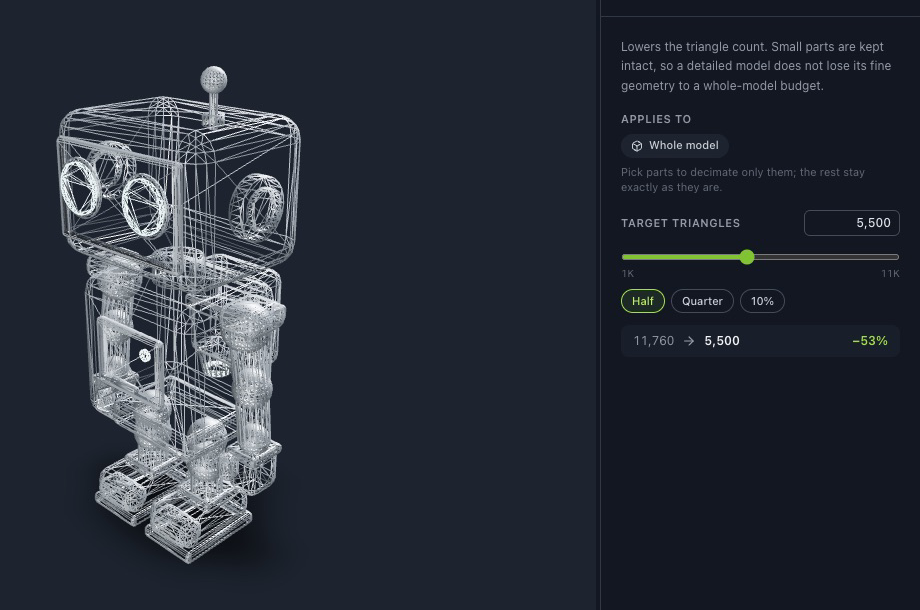
Ask the agent to reduce polygon count with Remesh. Specify a triangle budget, then inspect the silhouette and small components. The result still needs checks for scale, materials, collisions, and performance in the target engine.
Prompts and Next Steps
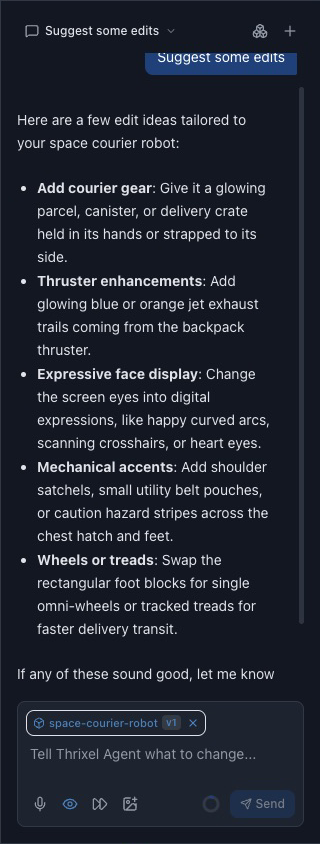
Thrixel Agent can suggest ways to refine a model, improve prompt wording, and explain features. It is available in the workspace sidebar.
Example Requests for a Space Courier Robot
These example prompts illustrate successive refinement requests. Results depend on the model and selected parts.
Make the robot's head smaller.
Change the joints to brushed metal.
Reduce the triangle count for use in a game.
Thrixel Agent and External Coding Agents
Thrixel Agent works in the browser workspace. Claude Code, Codex, and Cursor connect through the Thrixel MCP server. Build World coordinates asset generation, scene assembly, gameplay, and playtesting. Both entry points use Thrixel’s AI 3D model generator.
Common Questions
What is an AI 3D modeling agent?
An assistant that interprets instructions and selects modeling tools. Thrixel Agent applies this workflow to assets inside the Thrixel workspace.
Can I edit individual parts of a generated model?
Yes, with supported part-based models. Architect provides named parts for focused edits; Sculptor’s single-mesh output has different editing capabilities.
Can the agent change textures and reduce polygon counts?
Yes. Texture and mesh-simplification tools address appearance and geometry separately. Inspect both after a change.
Do I need to connect an MCP server?
Thrixel Agent is available in the workspace sidebar. MCP setup is for using Thrixel tools through an external agent.